One button for every window
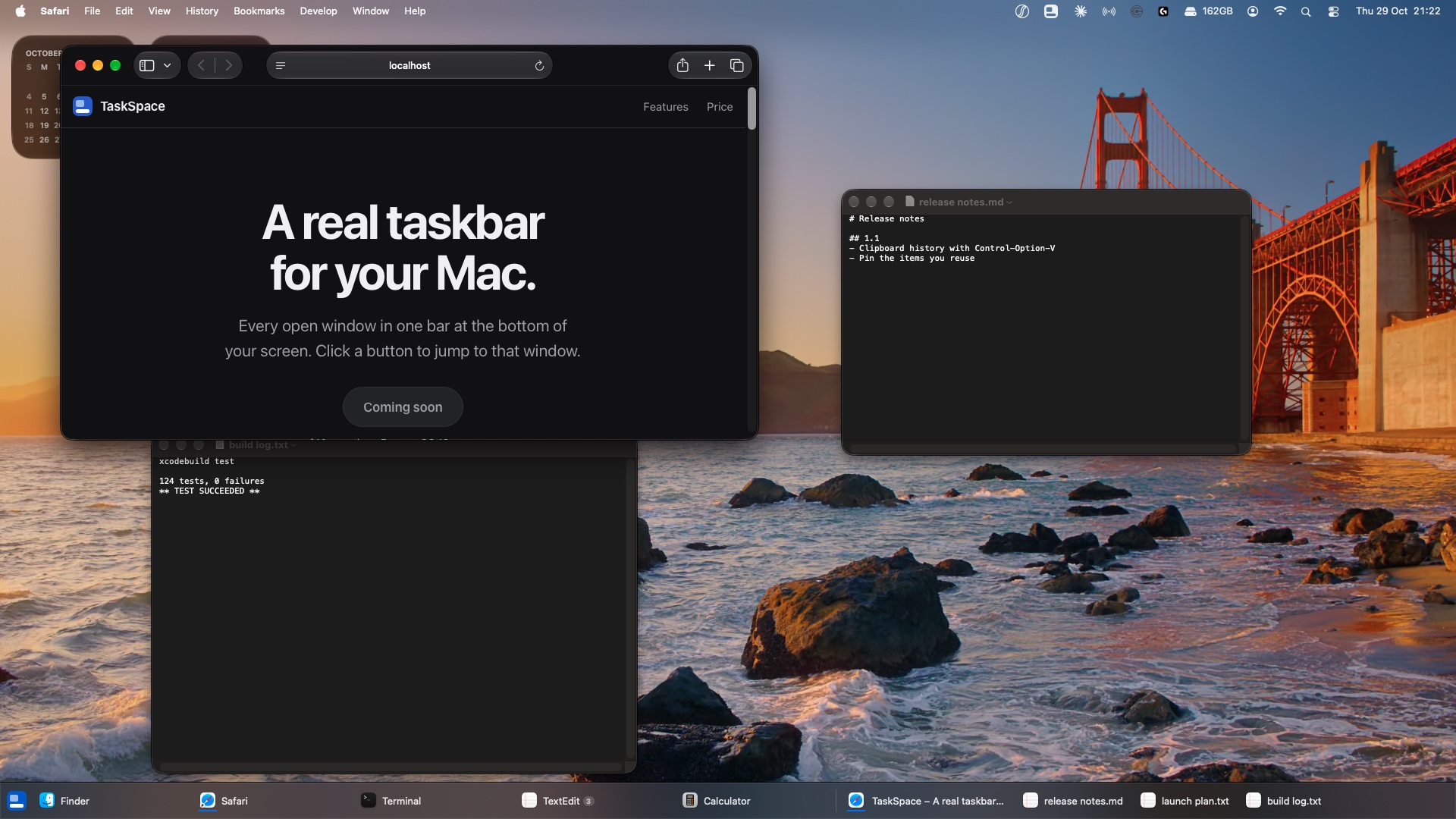
Two windows from the same app stay two buttons. Minimized windows stay on the bar, so you can bring them back. You can also group them by app.
Every open window in one bar at the bottom of your screen. Click a button to jump to that window.
$10, one time. For macOS 13 or newer.
Built for the Mac. Fast, quiet and always in the same place.
Two windows from the same app stay two buttons. Minimized windows stay on the bar, so you can bring them back. You can also group them by app.
Drag any app onto the bar to keep it there.
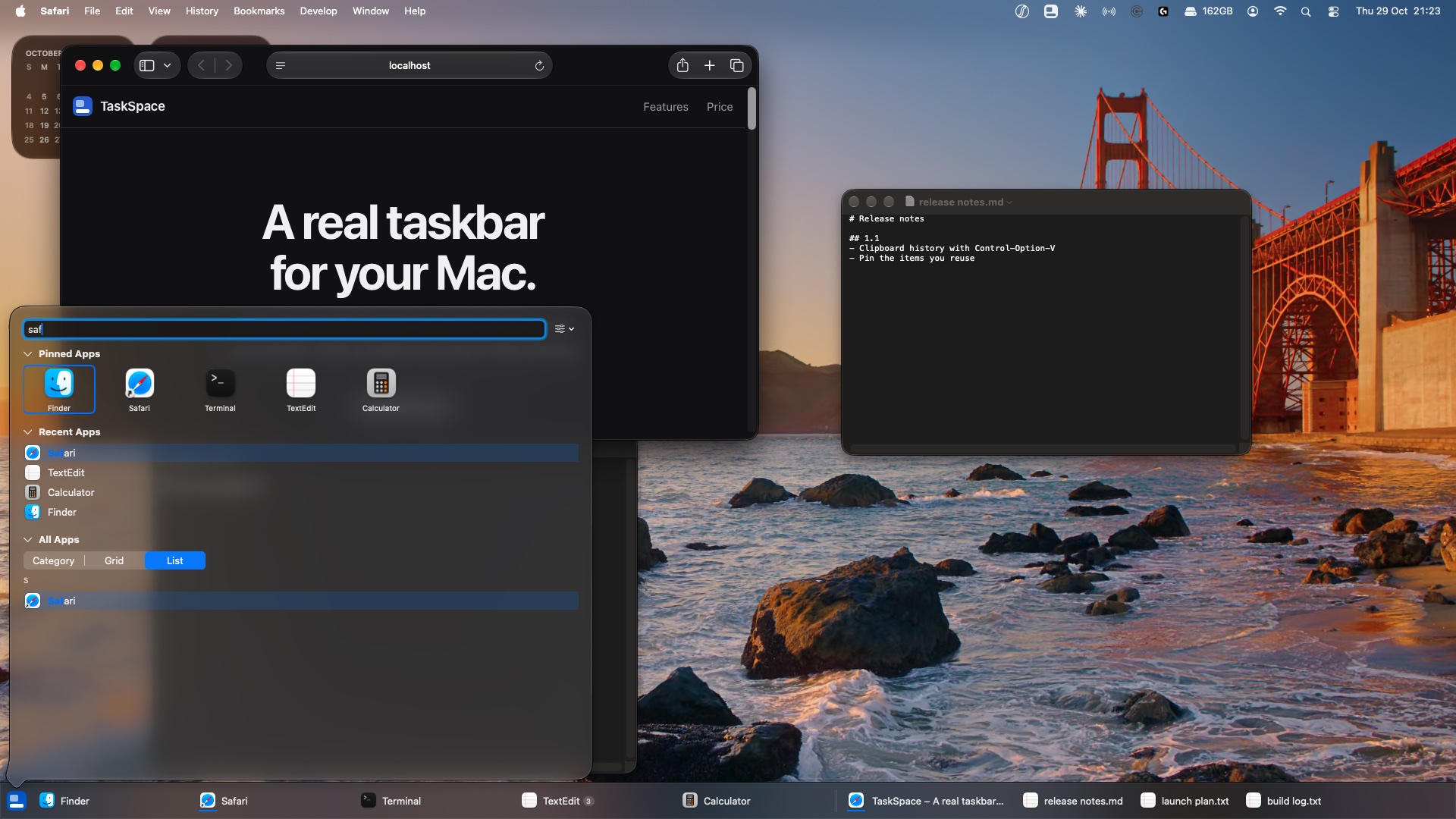
Type a few letters. Press Return. Even a typo still finds your app.
Each monitor gets its own bar. It shows only the windows on that screen, with its own pinned apps.
See unread counts and download progress right on the button.
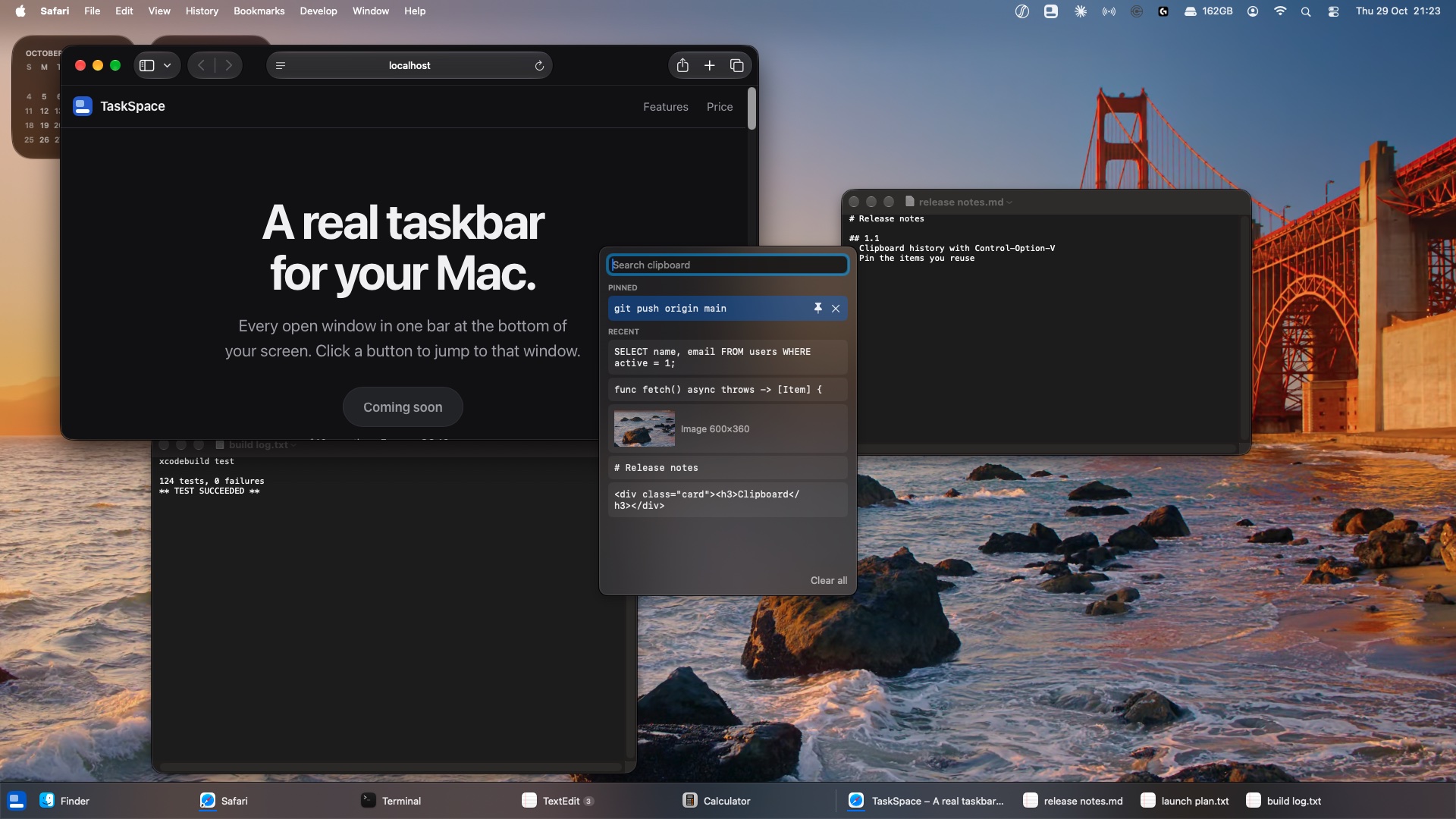
Press Control-Option-V to see what you copied: text, code, links and images. Pick one and it pastes where you were typing. Pin the ones you reuse. Copies from password managers are never saved.
Jump to the first nine buttons. Cycle through windows. Open the launcher without the mouse.
The clipboard and the launcher open on top of whatever you are doing.